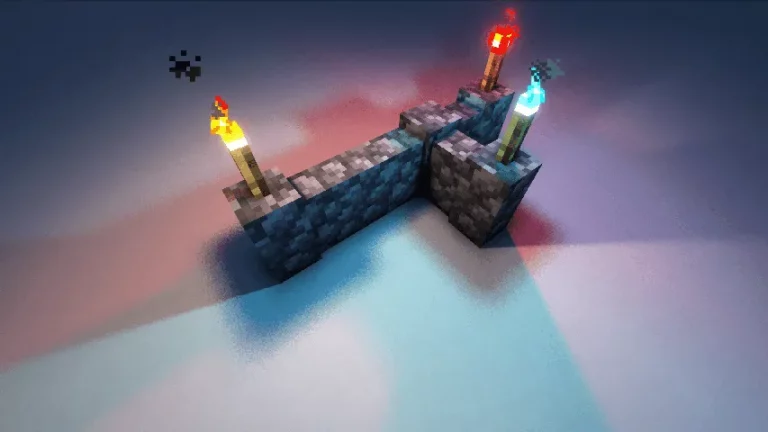
Are you looking to enhance the lighting and shadow quality in your voxel-based games? Rethinking Voxels Shaders is a powerful shader pack that can help you achieve sharper shadows and improved lighting.
What is Rethinking Voxels Shader?
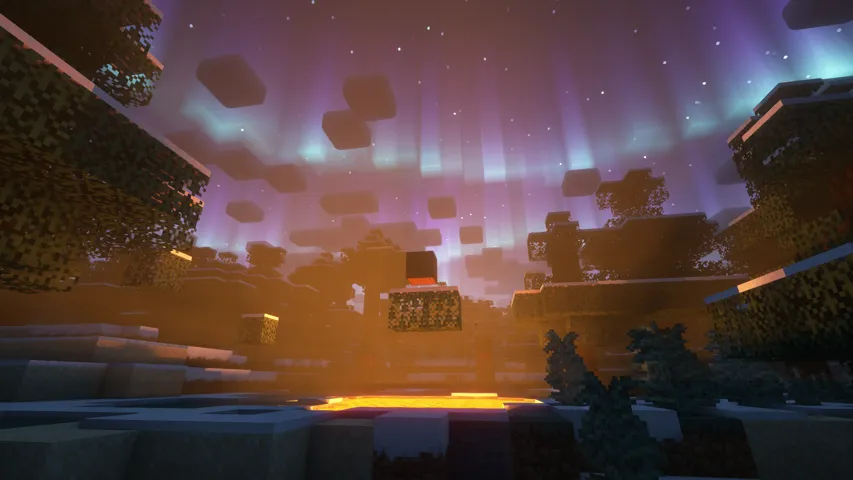
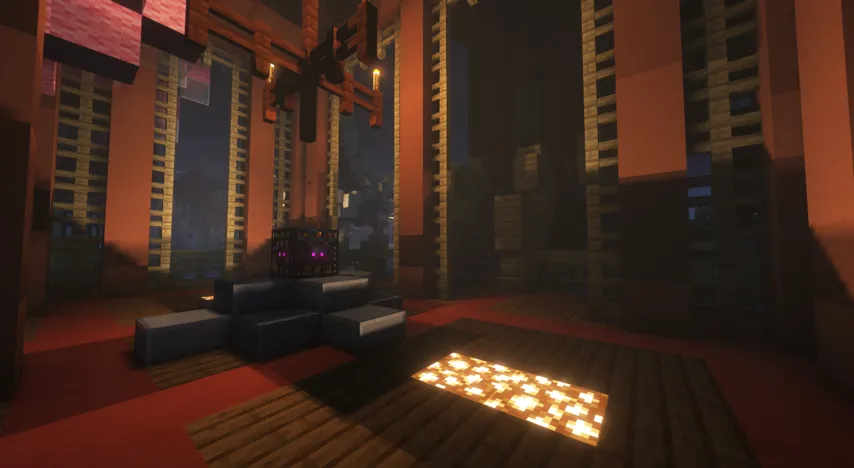
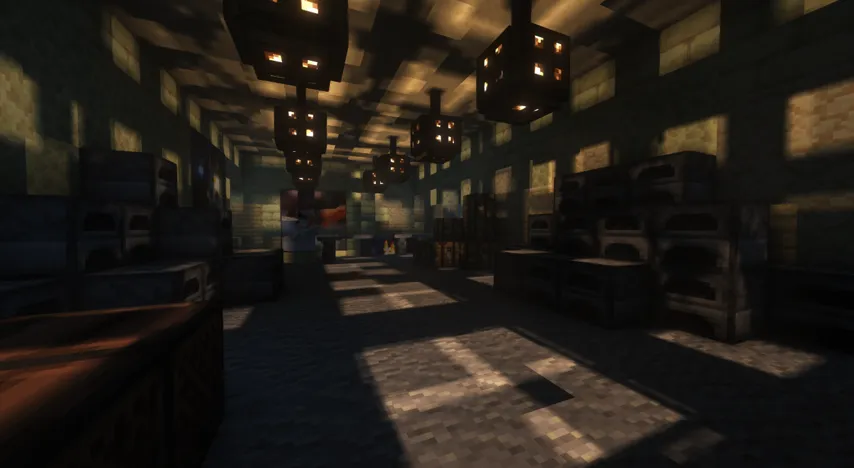
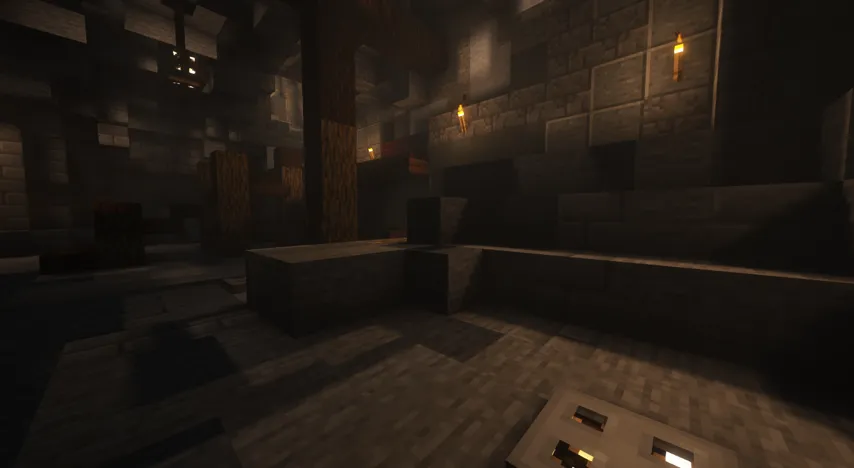
Rethinking Voxels is a shader pack that was created to improve the lighting and shadow quality in voxel-based games. This shader pack is an edit of Complementary Reimagined and was developed with the goal of being fast and casting sharp shadows on block lights.
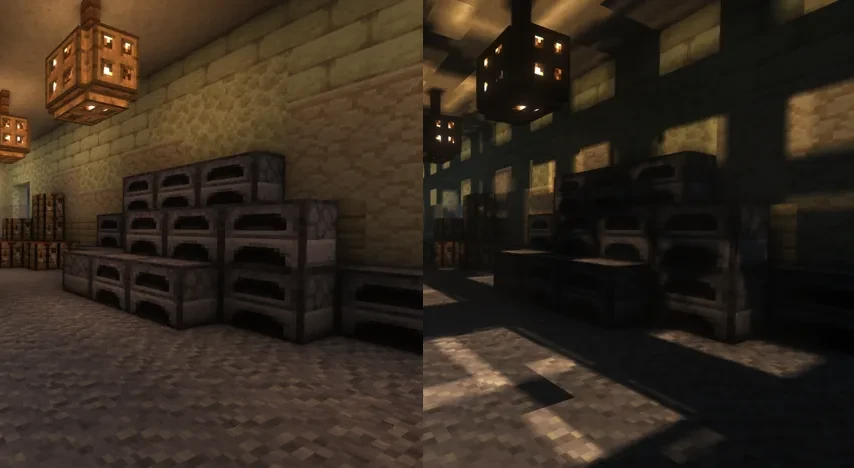
Improving Lighting and Shadows
The lighting system in Rethinking Voxels Shader is highly efficient. However, there may be occasional sudden brightness changes due to the way it works. These changes cannot be completely removed without hurting performance or removing sharp shadows from light sources. To avoid this, you can disable the Advanced Light Propagation in the Voxelization Settings.
Compatibility
Rethinking Voxels Shader was developed by gri573 and tested on Linux operating systems with AMD and NVidia graphics cards. It usually works on other platforms, such as OptiFine. However, if any bugs appear on other platforms, they may take longer to fix as they are not caught by the shader’s author. For the best experience, it is recommended to use Iris.
Support and Community
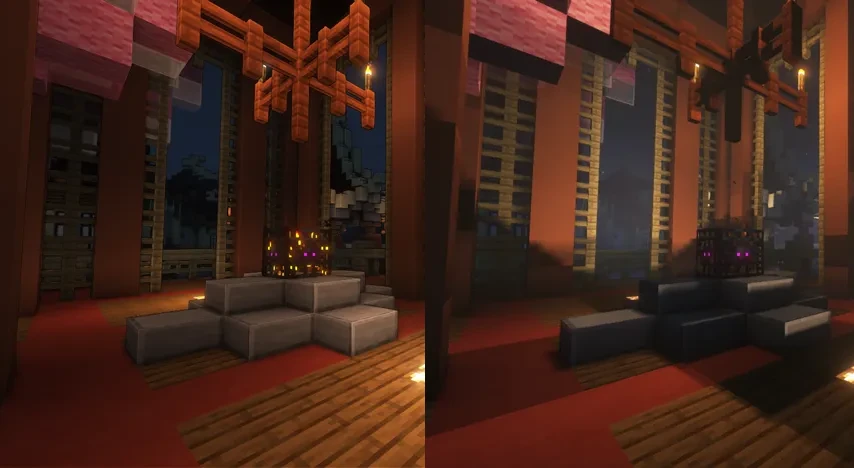
The shader’s author offers excellent support for Rethinking Voxels through communication channels such as the “shaderLabs” and “complementary discord” discord servers. There is a specific channel for Rethinking Voxels where you can get help from the friendly community.
If you want to report a bug, please create a GitHub issue.
Screenshots Rethinking Voxels Shaders
Rethinking Voxels Shaders – Click to expand
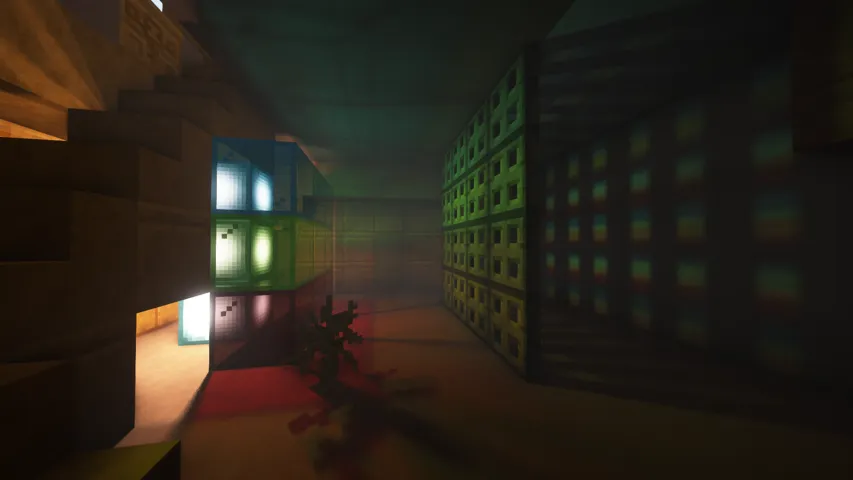
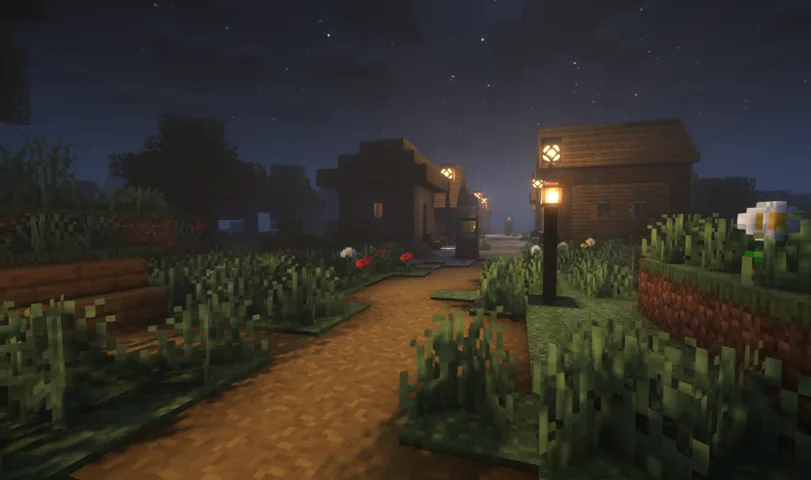
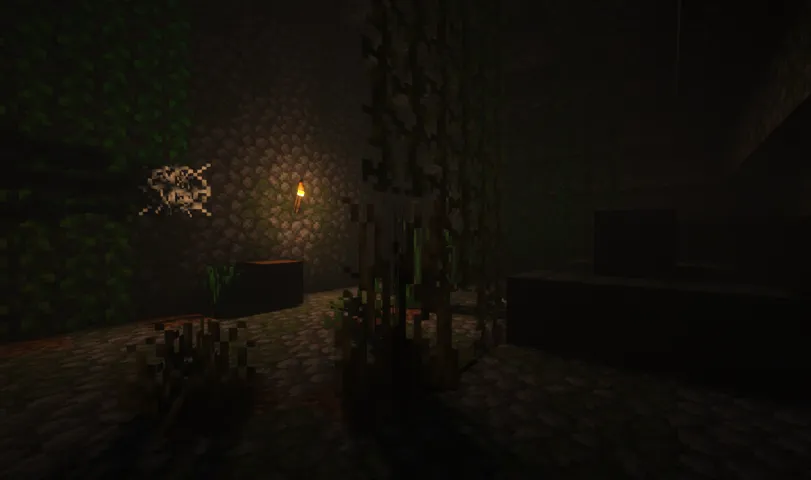
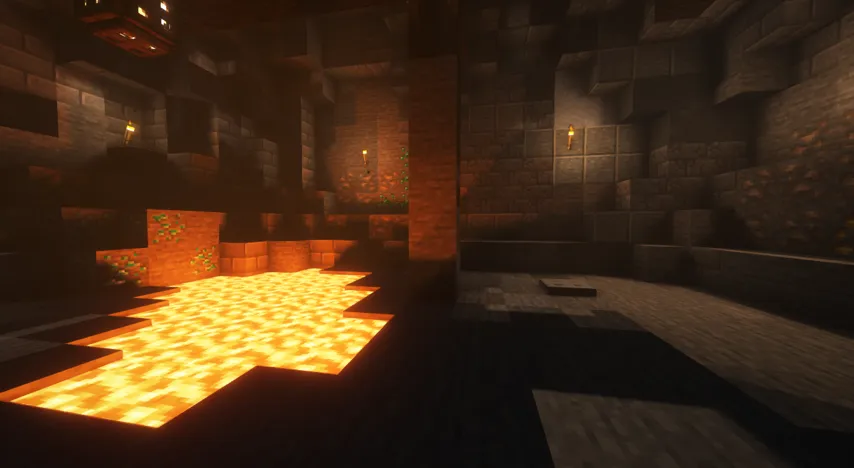
Video Review
How to Install Rethinking Voxels Shaders
- Go to the official Rethinking Voxels website and download the shader pack ZIP file.
- Make sure to have Optifine or Iris installed in your Minecraft. If you don’t have it, you can download Optifine from the official mod website and Iris from CurseForge or Modrinth.
- Put the Rethinking Voxels Shaders ZIP file you downloaded earlier into the “shaderpacks” folder. You don’t need to extract the ZIP file.
- If you’re using Optifine, click on “options → video settings → shaders → shaders folder“.
- If you’re using Iris, click on “options → video settings → shaders pack → open shader pack folder“.
- Select the Rethinking Voxels shaders from the list of available shaders.
- Click on “Done” to save the settings and start playing Minecraft with the Rethinking Voxels shaders installed.
Conclusion
Rethinking Voxels Shaders is an excellent option for those who want to enhance the lighting and shadow quality in their voxel-based games. Although there may be occasional issues, the support offered by the shader’s author is top-notch, and the community is always willing to help. Keep in mind that shader packs can be resource-intensive and may affect your computer’s performance. Ensure that you have a high-end computer with a dedicated graphics card to run Minecraft with shader packs smoothly.
Download Rethinking Voxels Shaders
Download Rethinking Voxels Shaders from the official Modrinth website and enjoy the enhanced graphics and visual effects provided by the shader pack in Minecraft. Until the moment of this text, the best version we tested was Beta 15.