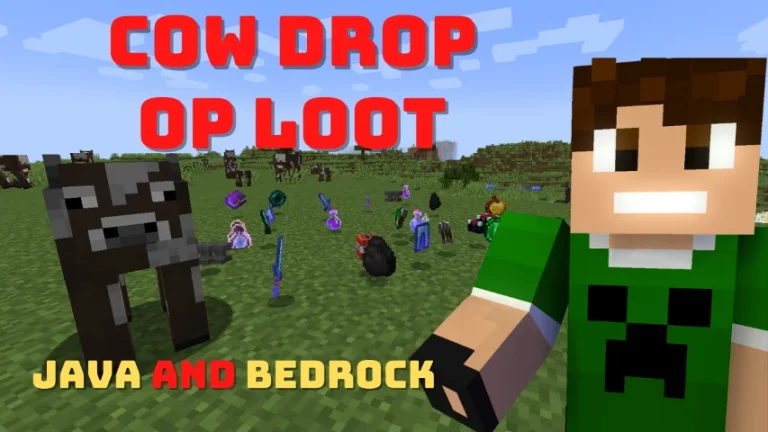
Cow Drop OP Loot Data Pack
Enhance your Minecraft experience with the Cow Drop OP Loot Data Pack. This pack allows you to obtain rare and valuable items when you slay cows. It is compatible with both Minecraft Java Edition (1.17 to 1.21.10) and Bedrock Edition.
Features
- More than 20 different items
- Cows drop various valuable items
- Compatibility: Minecraft 1.17 – 1.21.10
How to Install Cow Drop OP Loot
For Minecraft Java Edition:
Follow these steps:
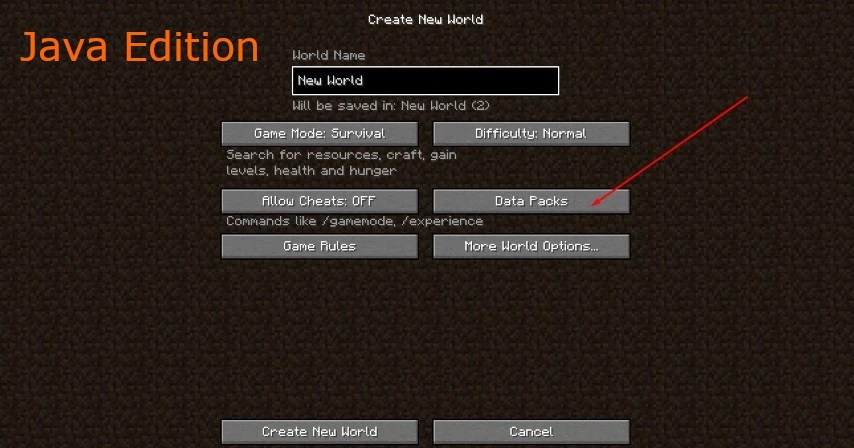
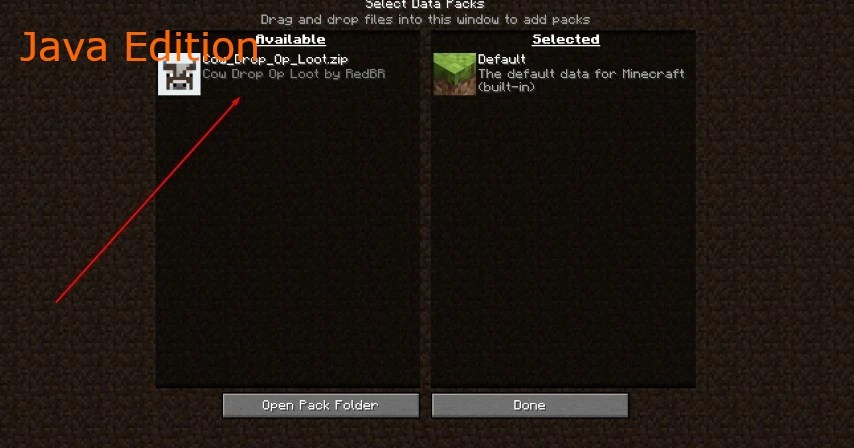
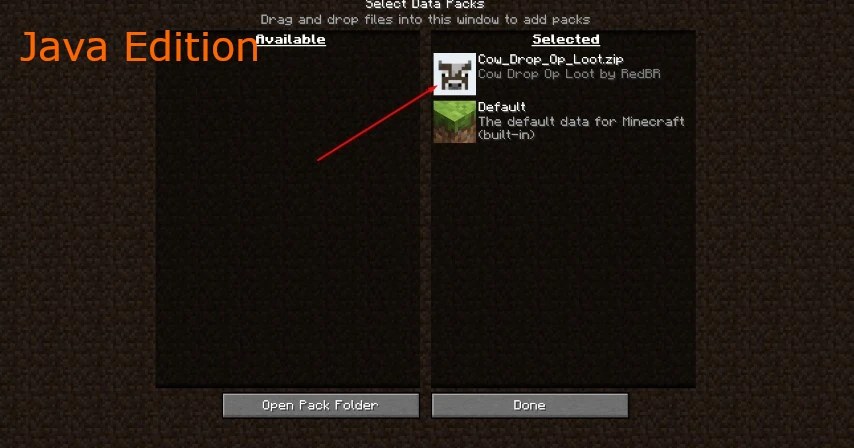
- Download the ZIP file here.
- Open Minecraft Java Edition and select your world.
- Go to Data Packs and add the downloaded ZIP file.
- Activate the Cow Drop OP Loot data pack.
- Start slaying cows and enjoy the rare drops!
For Minecraft Bedrock Edition:
Follow these steps:
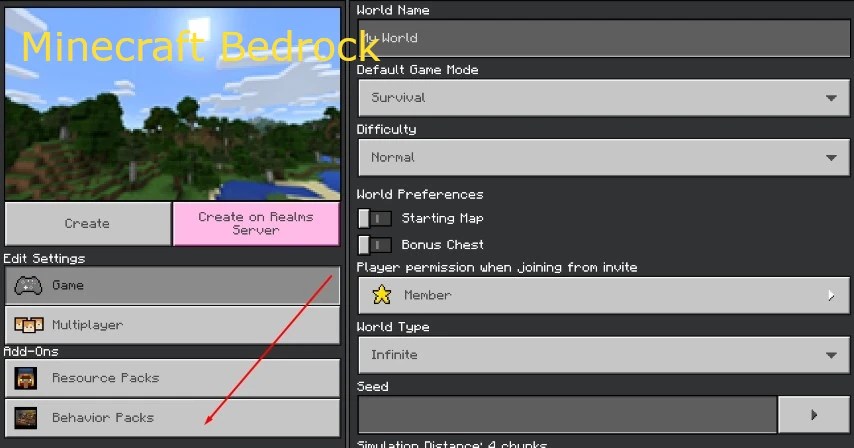
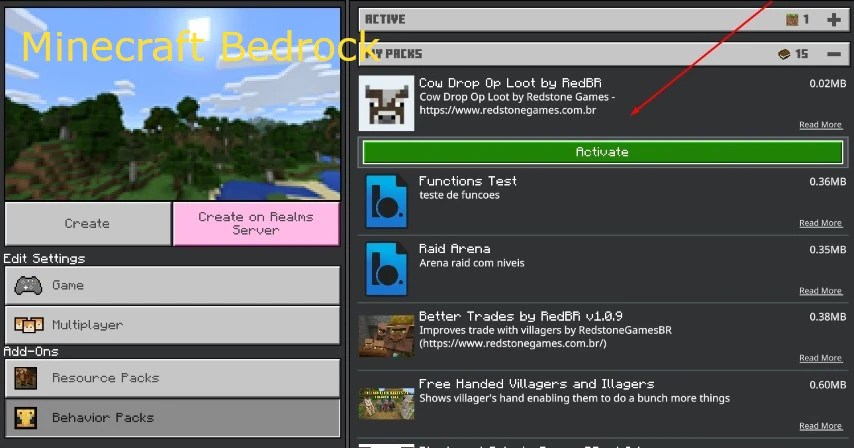
- Download the MCPack file here.
- Double-click the file to install it in Minecraft.
- Create a new world or select an existing one.
- In the add-ons options, find and activate the Cow Drop OP Loot behavior pack.
- Start your world and enjoy the rare drops!
Download Cow Drop OP Loot Data Pack
Minecraft Java Edition 26.1+
Minecraft Java Edition 1.21.9 – 1.21.10
Minecraft Bedrock Edition
Frequently Asked Questions (FAQ)
General Questions
- Q: Does Cow Drop OP Loot work on Minecraft Bedrock Edition?
A: Yes, it is fully compatible. - Q: Can I use this data pack with other mods?
A: Yes, it is compatible with most mods. - Q: How can I increase my chances of getting diamonds?
A: Slay more cows and ensure the data pack is correctly activated. - Q: What happens if I kill only a few cows?
A: You will still receive useful items, but rare items increase with more kills.
Technical Questions
- Q: Can I download previous versions?
A: Yes, check out all available versions here. - Q: How do I fix installation issues on my smartphone?
A: Use the FX File Explorer app to recognize and open MCPack files in Minecraft.
Changelog
v1.0.9 – 2026-03-22
- Updated for Minecraft 1.21.9 – 1.21.10
- pack_format updated to 88
- Fixed minecraft: prefix in functions
- Renamed loot_tables folder to loot_table
v1.0.7 – 2023
- Minecraft 1.20 – 1.20.2 compatibility
v1.0.6 – 2022
- Minecraft 1.19 compatibility
v1.0.1 – 2021
- Initial release